
Check video access independently
A free image allowance does not establish a free video allowance. Review the allowance, account state and output conditions attached to the video action.
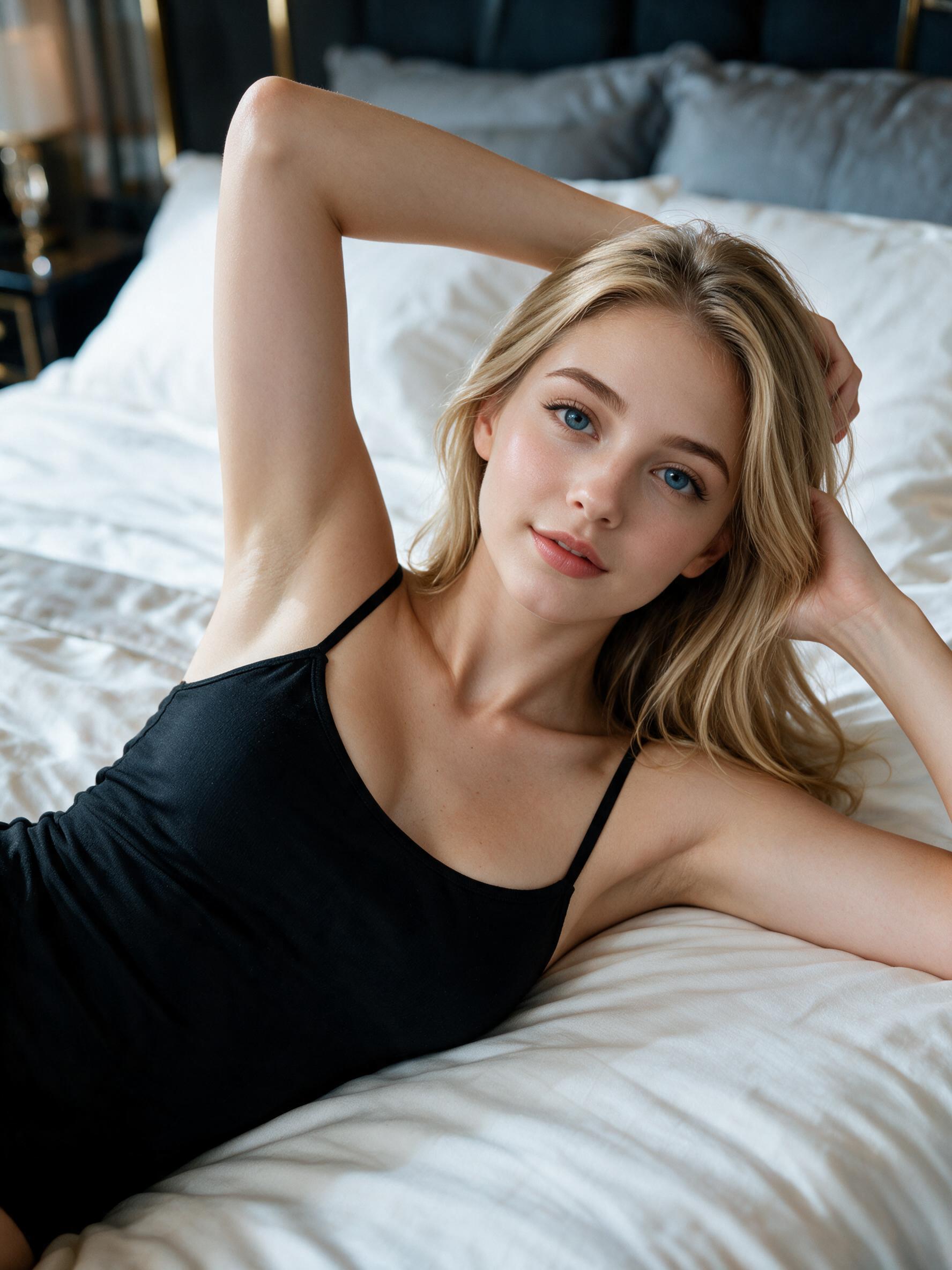
Choose an approved DreamMates-generated fictional character image and check the video allowance before continuing.
Availability and access conditions can change. Confirm current details in the app; this guide does not state prices, quotas, or entitlements.
| Check | What to verify |
|---|---|
| Feature | Whether the described workflow is currently available |
| Access | Current account, region, and membership requirements |
| Content | Applicable source and content policies |
Video source selection is restricted to approved fictional character images generated within DreamMates and verified by the service.
A free image allowance does not establish a free video allowance. Review the allowance, account state and output conditions attached to the video action.
The source must have verified in-platform generation provenance and the required approval. Personal photos, external image links and imported-image derivatives are excluded.
Compare the moving result with the original character image. Duration, saving and retries should follow the confirmed video settings rather than an assumed unlimited trial.
A free image allowance does not establish a free video allowance. Review the allowance, account state and output conditions attached to the video action.
Choose an approved DreamMates-generated fictional character image and check the video allowance before continuing. A free image allowance does not establish a free video allowance. Review the allowance, account state and output conditions attached to the video action.
A free image allowance does not establish a free video allowance. Review the allowance, account state and output conditions attached to the video action.
The source must have verified in-platform generation provenance and the required approval. Personal photos, external image links and imported-image derivatives are excluded.
Compare the moving result with the original character image. Duration, saving and retries should follow the confirmed video settings rather than an assumed unlimited trial.
A free image allowance does not establish a free video allowance. Review the allowance, account state and output conditions attached to the video action.
The exact allowance and sign-in requirement need to be confirmed for the action described on this page. Browsing, creating, viewing and saving must not be presented as the same entitlement.
No. The video flow is limited to eligible, approved fictional character images generated inside DreamMates. An imported image or its edited derivative cannot become eligible by being saved.
Compare the moving result with the original character image. Duration, saving and retries should follow the confirmed video settings rather than an assumed unlimited trial.
The service must resolve an asset ID to its generation record, source history, approval and access state. Client-provided labels are not proof of origin.