THE SPACE BETWEEN IDEA & POSSIBILITY

Your imagination starts here.

Explore an idea, find your style, and continue to the image creator.

CREATIVE STUDIOMADE FOR YOUR IDEAS
A little inspiration

Explore the idea here. Choose the available generation options in the app.

Continue to image creator

This page previews the workflow. No image or video is generated here.

A LITTLE INSPIRATIONCharacter portrait
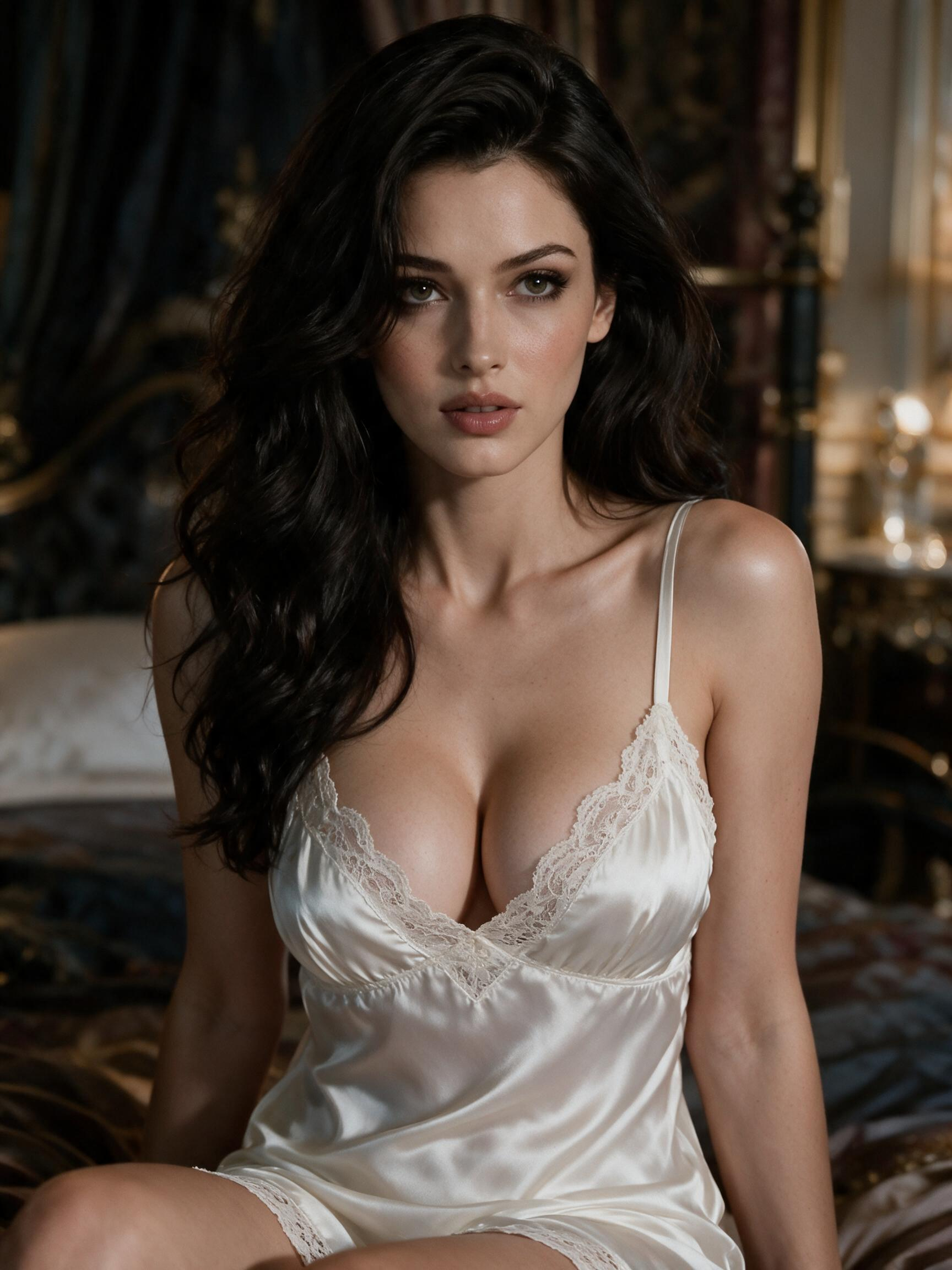
Sophia — character portrait, not a generated result
THE START OF SOMETHING

An idea, made visual.

Explore the possibilities, then continue in the creator.

Character portrait
THE QUICK ANSWER

How does an AI image generator work?

A LITTLE CONTEXT

An AI image generator uses an input, such as a text description, to produce a visual interpretation. Results can differ from the original idea, so reviewing the output is part of the process. This page explains the concept; input methods, available controls, and creation actions are shown in the DreamMates app.

Describe the image as a whole

Begin with the main subject, then add a setting, composition, and mood. An original fictional character in a quiet room suggests a different image from the same character in a busy city scene. Specific details help communicate your intention. These are ways to organize an idea, rather than a guarantee of a particular style or result.

Review before deciding what comes next

Compare a result with the idea that prompted it: does the subject feel clear, and does the setting support the mood? If you want to refine the concept, change one important detail at a time. Use the actions available in the main app for any further creation, saving, or next steps, and review its stated access information.

A SIMPLE PLACE TO START

From curious to connected.

A few small steps toward your next experience.

01

Prepare a visual brief

Describe an original subject, its setting, and the mood you want to convey. Keep the most important details easy to identify.

02

Check the app options

Visit DreamMates to see the image inputs and controls currently offered. Read the requirements shown before starting a creation action.

03

Review in the main app

Follow the app workflow to inspect any result and choose among its available next actions. This guide does not generate or store images.

THERE’S MORE TO YOUR IMAGINATION

A whole world worth exploring.

Meet a new personality, follow a little curiosity, and make it your own.

Meet the characters
GOOD TO KNOW

A little clarity.
More possibility.

Questions about AI Image Generator?
Let’s start here.

What should an image description include?

Start with a main subject and add the setting, composition, and mood that matter most. For an original fictional portrait, a concise description of the character and surroundings is a useful brief. Avoid combining details that contradict one another.

Can an image result differ from my description?

Yes. AI image generation interprets an input, so details and composition can vary. Review the result rather than assuming every instruction will appear exactly as imagined. Any refinement controls depend on the tool you use.

Can I upload a reference image?

Input methods differ between tools. Check the image creation area in the DreamMates app for its current input choices and restrictions. This guide does not provide an upload field or promise reference-image support.

Where do I create or save an image?

Continue to the DreamMates main app and review the image workflow available there. Creation, result handling, and any save options belong to that app; this page is an introduction to the process.