
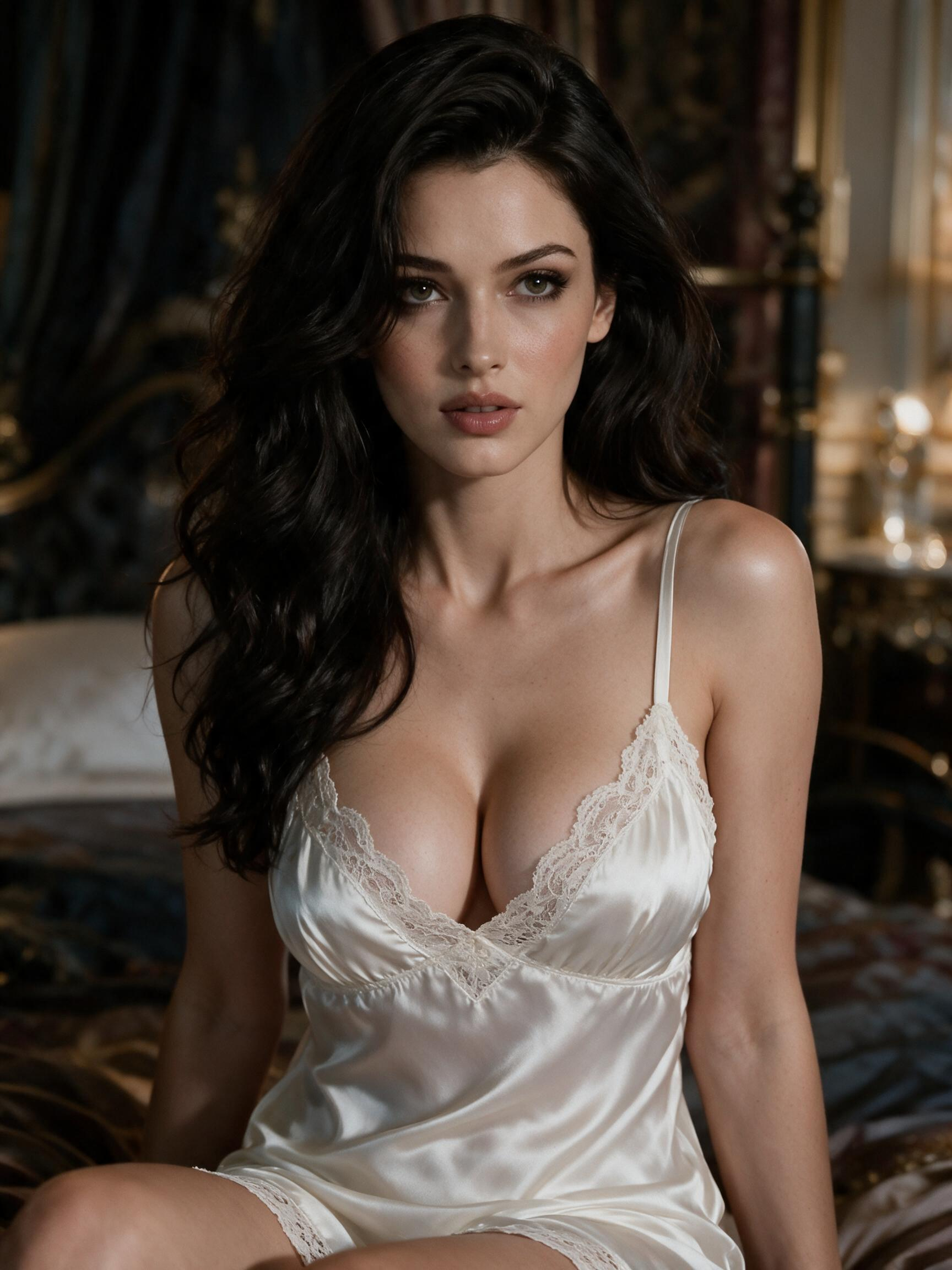
Start with the subject
Name the original fictional character or scene you want to depict. Keep the main idea prominent so extra details do not compete with it.
Write an original subject, a setting and a visual style before reviewing the image result.
Creation controls and supported options are available only in the app and may depend on current product settings.
Name the original fictional character or scene you want to depict. Keep the main idea prominent so extra details do not compete with it.
Name the original fictional character or scene you want to depict. Keep the main idea prominent so extra details do not compete with it.
Location, lighting and composition help turn a subject into a coherent image concept. Change one group of details at a time when refining a result.
Compare the output with the description you entered. A useful review asks which details worked, which were missed and what to revise next.
A media collection should identify its real items, source, access state, and destination. Confirm current titles and playback availability in the DreamMates app.
Review the current galleryWrite an original subject, a setting and a visual style before reviewing the image result. Name the original fictional character or scene you want to depict. Keep the main idea prominent so extra details do not compete with it.
Name the original fictional character or scene you want to depict. Keep the main idea prominent so extra details do not compete with it.
Location, lighting and composition help turn a subject into a coherent image concept. Change one group of details at a time when refining a result.
Compare the output with the description you entered. A useful review asks which details worked, which were missed and what to revise next.
Name the original fictional character or scene you want to depict. Keep the main idea prominent so extra details do not compete with it.
Review the output and its source history. Saving an image does not establish permission for every later use, and external-source derivatives remain excluded from the restricted video workflow.
Compare the output with the description you entered. A useful review asks which details worked, which were missed and what to revise next.